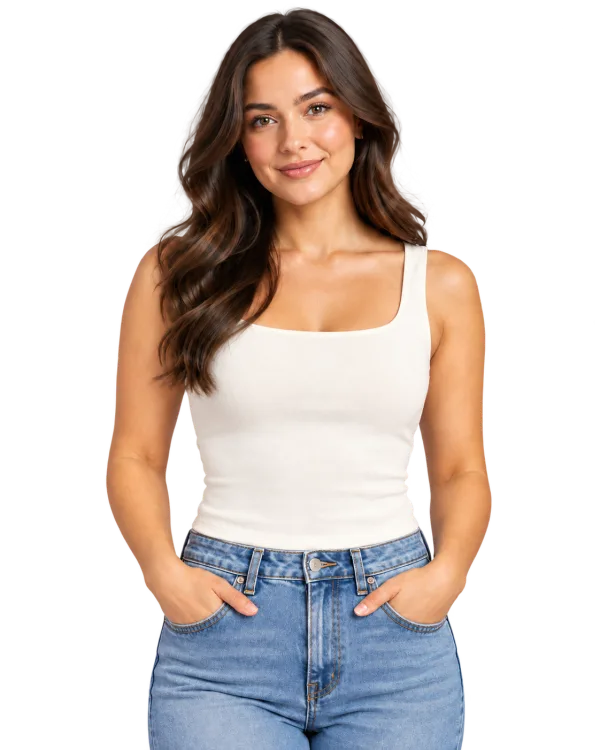
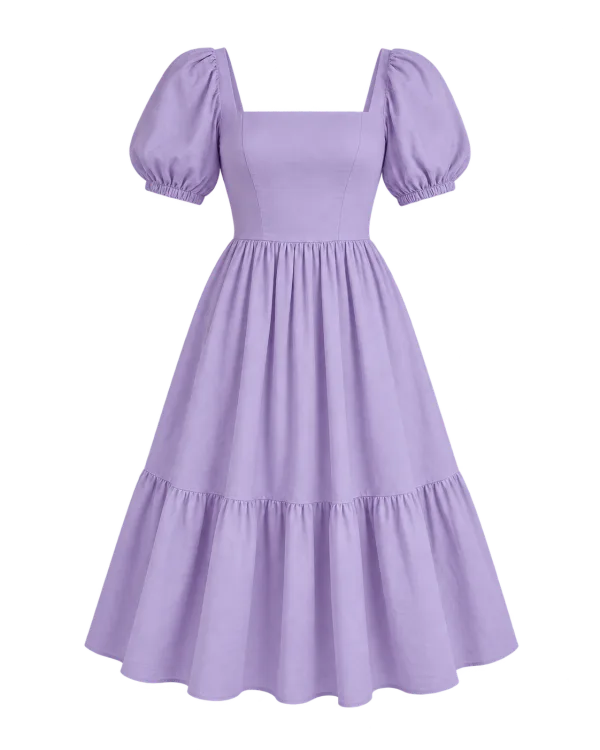
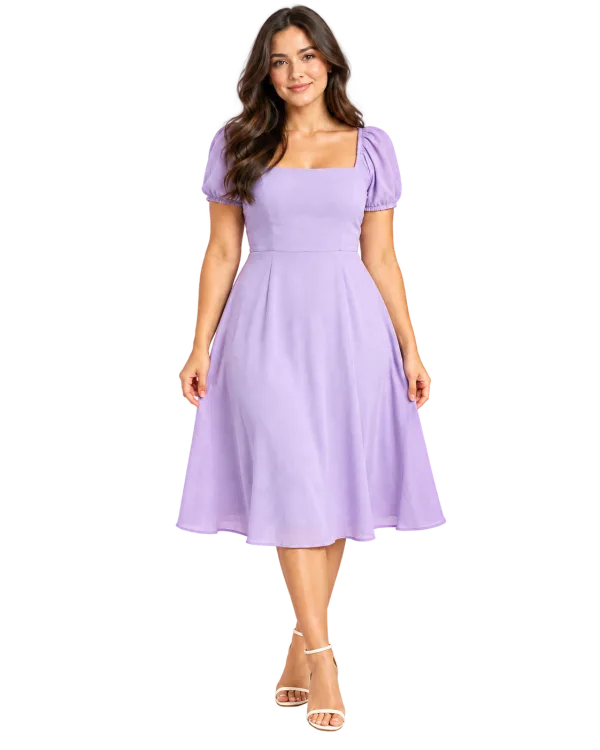
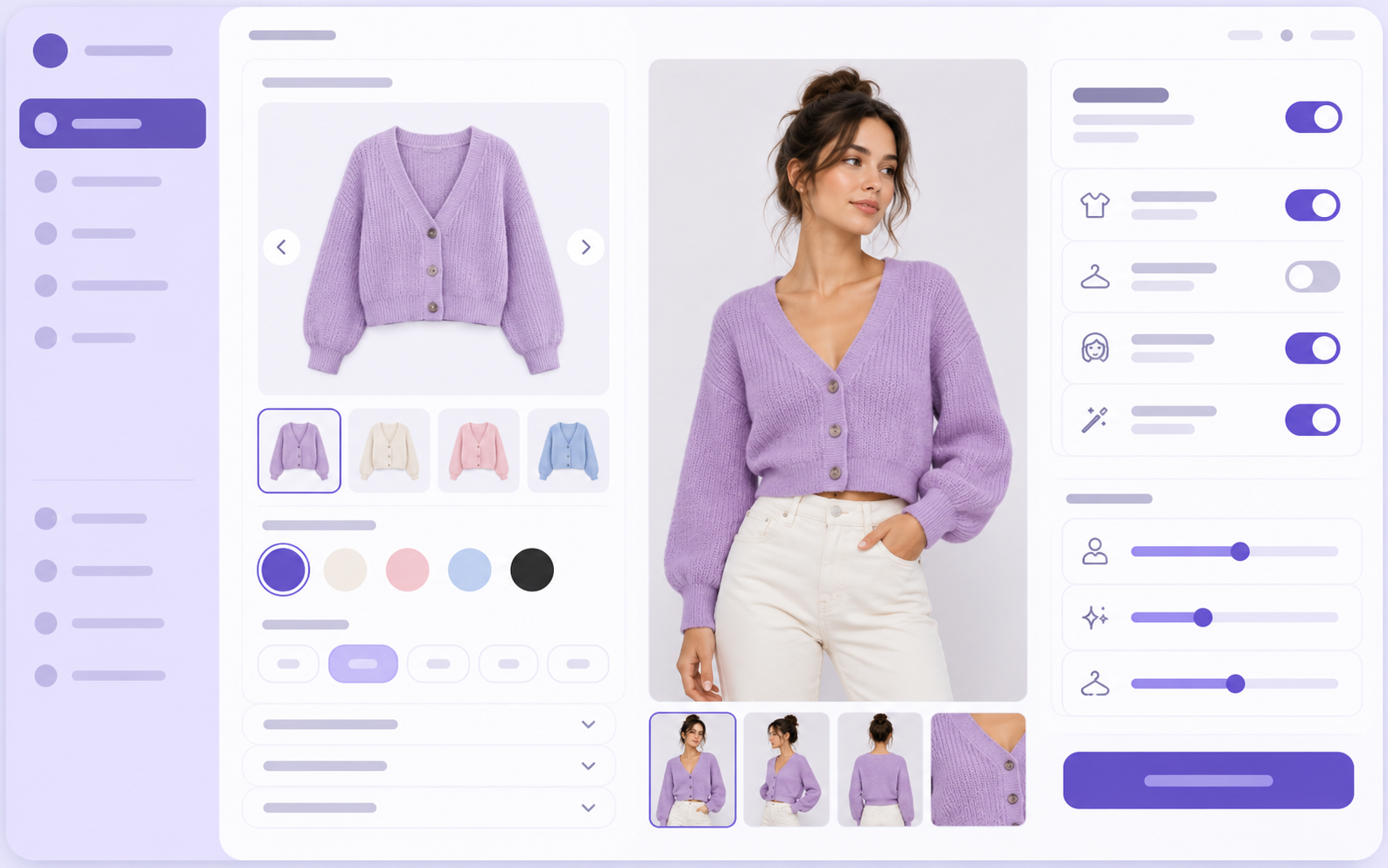
Add a personal try-on experience to your product pages. Shoppers upload a photo and preview how a garment may look on them before deciding what to buy.
Help shoppers move from a beautiful product image to a more personal view of the look.
A simple shopper journey
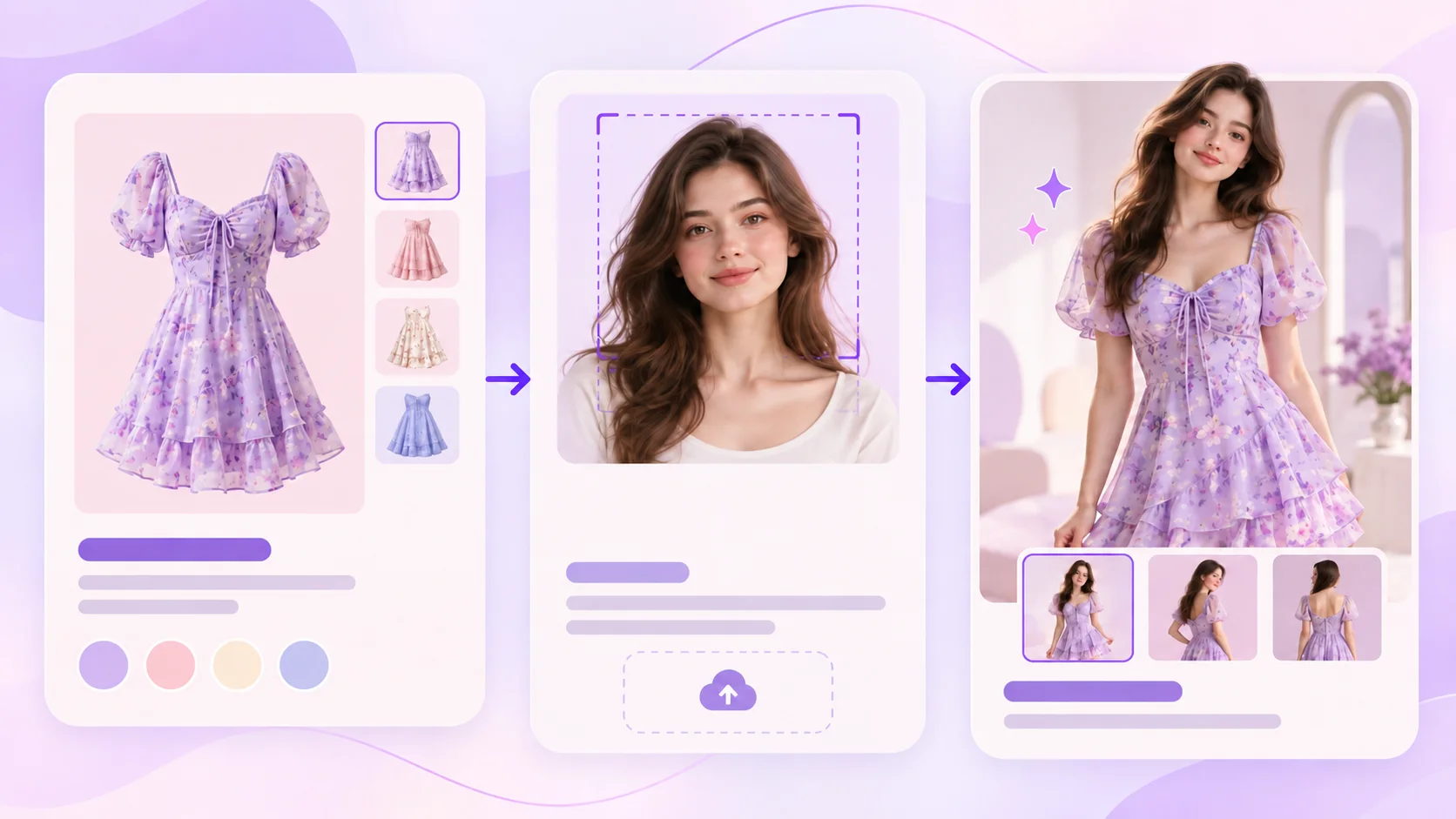
From product page to personal preview.
01
Choose a garment
Shoppers find an item they want to picture on themselves.
02
Upload a photo
They add a photo from their device to begin their try-on.
03
View the try-on preview
They see a visual preview before deciding what to buy.
An optional cart action lets shoppers add the product from their result.
A simple storefront journey
Product page → Try It On → Photo upload → Preview → Optional add to cart
Thoughtful storefront control
A personal experience for shoppers. Control for your store.
Storefront experience
Let shoppers try on clothing in their own way.
Photo-based try-on lets shoppers preview selected clothing with their own photo. Customize your Try It On button and popup wording, colors, and fonts to fit your brand.
Photo-based AI try-onShoppers preview selected clothing with their own photo.
Branded storefront experienceCustomize button and popup wording, colors, and fonts.
Product-level availabilityChoose where try-on appears and review suitability.
Garment and variant image controlsManage automatic, manual, custom, and variant images.
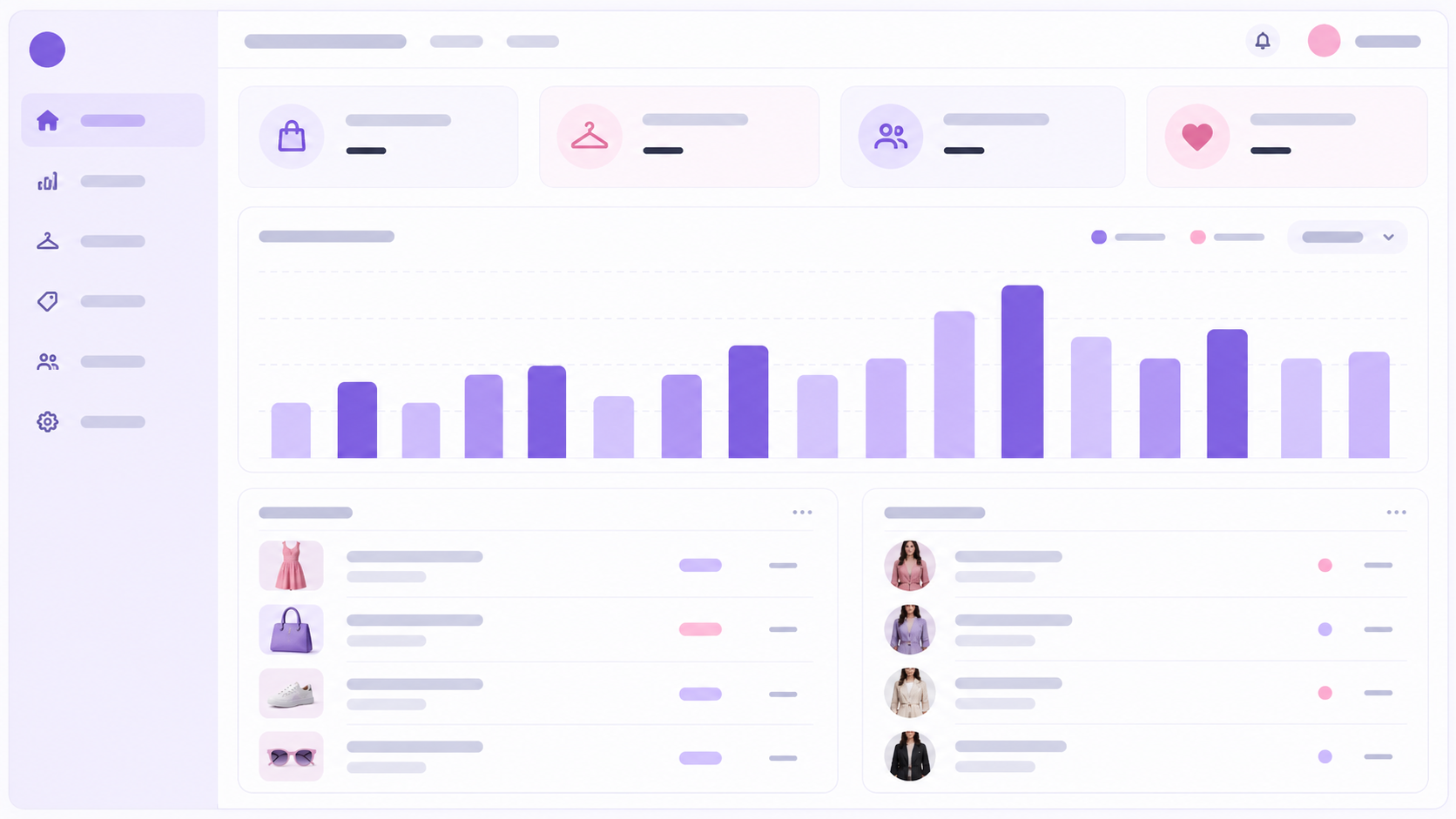
Try-on and shopping analyticsReview previews, feedback, cart actions, and associated purchases.
Mobile and desktop availabilitySupport the storefront experience across device types.
Storefront controls
Activity you can review
Understand what happens after a try-on.
Review try-on activity, successful previews, shopper feedback, and associated cart and purchase actions.
All charges are in USD. Recurring and usage-based charges are billed every 30 days. Learn about usage billing ↗
Questions, answered
Everything you need to know.
What does PehnAI do?
It lets shoppers upload their photo and preview how selected clothing may look on them.
What types of clothing can I offer?
Examples include dresses, shirts, T-shirts, hoodies, and pants. Merchants should review product suitability before enabling try-on.
Can I control which products and images are used?
Yes. Merchants can configure product availability and garment images, including variant-specific image settings.
Does it work on mobile and desktop?
Yes. The storefront experience supports mobile and desktop, with device-visibility controls.
What happens after the free allowance is used?
The Free plan includes 10 monthly try-ons and does not allow additional usage. Merchants can upgrade to Paid for a larger allowance and additional paid try-ons.
Do unsuccessful generations count?
Only successfully completed previews count toward usage.
Does the preview guarantee the correct size or fit?
No. It is an AI-generated visual representation. Actual fit, size, color, texture, and appearance may differ.
How are shopper photos handled?
Photos are processed to create previews. See the PehnAI Privacy Policy for processing, retention, and deletion details.